
Installed Tilix terminal emulator on Ubuntu 16.04 virtual machine and configured a json theme to my liking named theme.json.
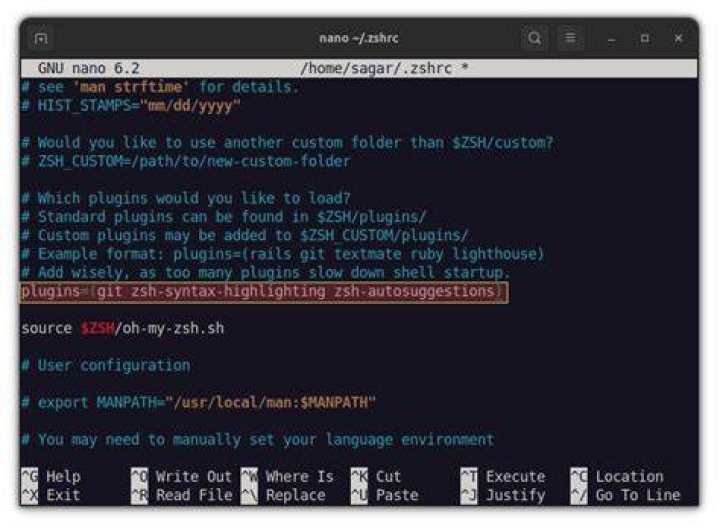
I have added the same environment variables and aliases both in the .bashrc and the .zshrc as follows:
export VAR1=42 alias mydir=/path-to-my-dir/mydir Created a launcher shortcut (tilix.desktop) which runs a script (tilix_launcher.sh) as follows:
# tilix.desktop [Desktop Entry] Encoding=UTF-8 Name=Tilix Comment=Launch Tilix Exec=/path-to-script/tilix_launcher.sh Icon=com.gexperts.Tilix Type=Application # tilix_launcher.sh tilix --session /path-to-json/theme.json Confusingly, if on the 'normal' terminal source the zshrc and then open Tilix, the session has visibility of the zshrc; I do not understand how to automate that within a script (i.e. tilix_launcher.sh).
Versions:
$ lsb_release -a No LSB modules are available. Distributor ID: Ubuntu Description: Ubuntu 16.04.1 LTS Release: 16.04 Codename: xenial $ tilix --version Versions Tilix version: 1.9.1 VTE version: 0.42 GTK Version: 3.18.9 The problem is that whenever I launch Tilix (with or without the launcher script), the environment variables and the aliases are not known to Tilix's session; have to source ~/.zshrc for them to work.
Tried to add this source command within the tilix_launcher.sh but it still does not work.