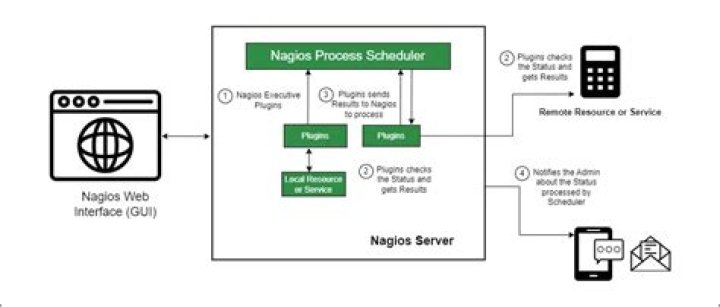

I am trying to install nagios but I would like to start the web interface on a port other than 80. I cant seem to find much info on how to do that. Any help is appreciated. Thanks
2 Answers
I just worked on this, and figured it out. It's not ideal for some, but for me it works perfect. I just changed the default port apache2 looks at by :
Changing /etc/apache2/sites-available/default First line ( Default ) :
<VirtualHost *:80> Changed to :
<VirtualHost *:8085> # Change 8085 to whatever port you want then linking default in sites-enabled ( not sure if this site is needed, but it works )
cd /etc/apache2/sites-enabled/ ln -s ../sites-available/default default then cycle apache2 by :
sudo service apache2 restart Then test it out! This is what worked for me, hopefully it works for you.
If you have other web pages or apps running on the same server, the following information might be useful to separate Nagios as it's own Apache virtual host on a non-standard port (for example 43326 here).
Remove standard config and create Apache virtual host;
sudo cp /etc/apache2/conf.d/nagios.conf /etc/apache2/sites-available/nagios3 sudo rm /etc/apache2/conf.d/nagios.conf sudo vi /etc/apache2/sites-available/nagios3 To beginning of file add;
Listen 43326 <VirtualHost *:43326> ServerAdmin webmaster@localhost DocumentRoot /var/www/nagios3 To the end of the file add;
</VirtualHost> Enable the new site;
sudo a2ensite nagios3 If you run a firewall (UFW), open the port;
sudo ufw allow 43326 Restart Apache
sudo service apache2 restart