
I'm trying to determine what printing protocol a network printer expects (ipp, http, etc). I've got the hostname and IP address of the printer, and access to a cygwin bash shell and powershell. How do I determine what protocol it's actually using? There's no print server between my machine and the printer as far as I know (but would appreciate tips on how to verify this).
52 Answers
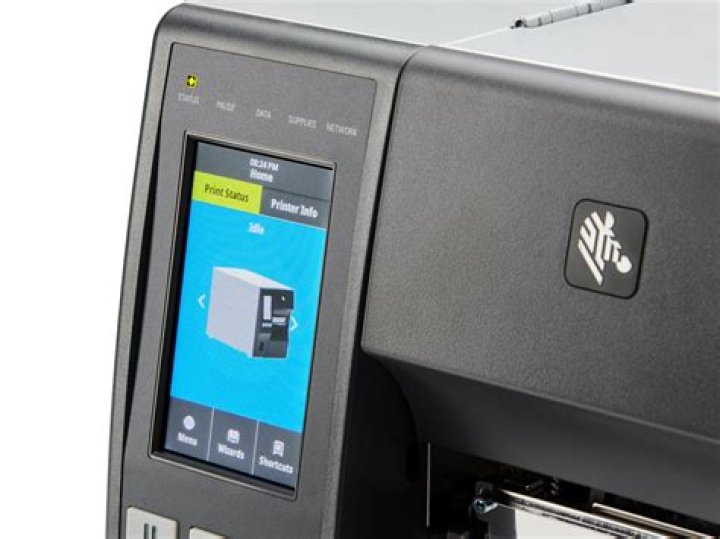
The simplest way is to read the type of the printer and search it on internet. If the printer has a display, you may find out its IP address using its system menu.
1You can use a tool like NMAP to perform a port scan of the printer's IP address, to see which ports it is listening for connections on. This will likely give away which protocol it is using, as these will almost certainly be left at the default. For example, port 515 would suggest LPR, and port 9100 would suggest HP JetDirect.
To perform the port scan of the printer with nmap, you can use the following syntax:
nmap -sS 192.168.0.101 Where 192.168.0.101 is the IP of the printer.
This will give you a list of ports that have been found open. Here's a scan I just did against a Sharp printer in the office:
C:\Scripts>nmap -sS 192.168.65.115 Starting Nmap 6.47 ( ) at 2014-12-19 11:56 GMT Standard Time Nmap scan report for 192.168.65.115 Host is up (0.36s latency). Not shown: 991 closed ports PORT STATE SERVICE 21/tcp open ftp 23/tcp open telnet 80/tcp open http 443/tcp open https 515/tcp open printer 631/tcp open ipp 5900/tcp open vnc 9100/tcp open jetdirect 50001/tcp open unknown MAC Address: 78:1C:5A:22:83:70 (Sharp) Nmap done: 1 IP address (1 host up) scanned in 12.05 seconds So here we can see that it is listening for connections on both 515 (LPR) and 9100 (JetDirect). There's also port 631, which is Internet Printing Protocol.
I don't know what port 50001/tcp is supposed to be doing, and apparently neither does NMAP (it shows the service as unknown). So after a brief Google, I have consulted the manual, and found it is the default administration/management interface, used by the proprietary admin tools to manage the printer.
So, we know that this printer supports not just one, but several printing protocols - and these are just the ones that are enabled on the printer. I could have probably learned all this much more quickly if I'd just read the vendor's specs, but it might not have been as much fun.
If your printer shows other ports, you might be able to look them up at IANA's registry of assigned ports, or elsewhere.
You don't have to use NMAP, there are other port scanners available, if you prefer.