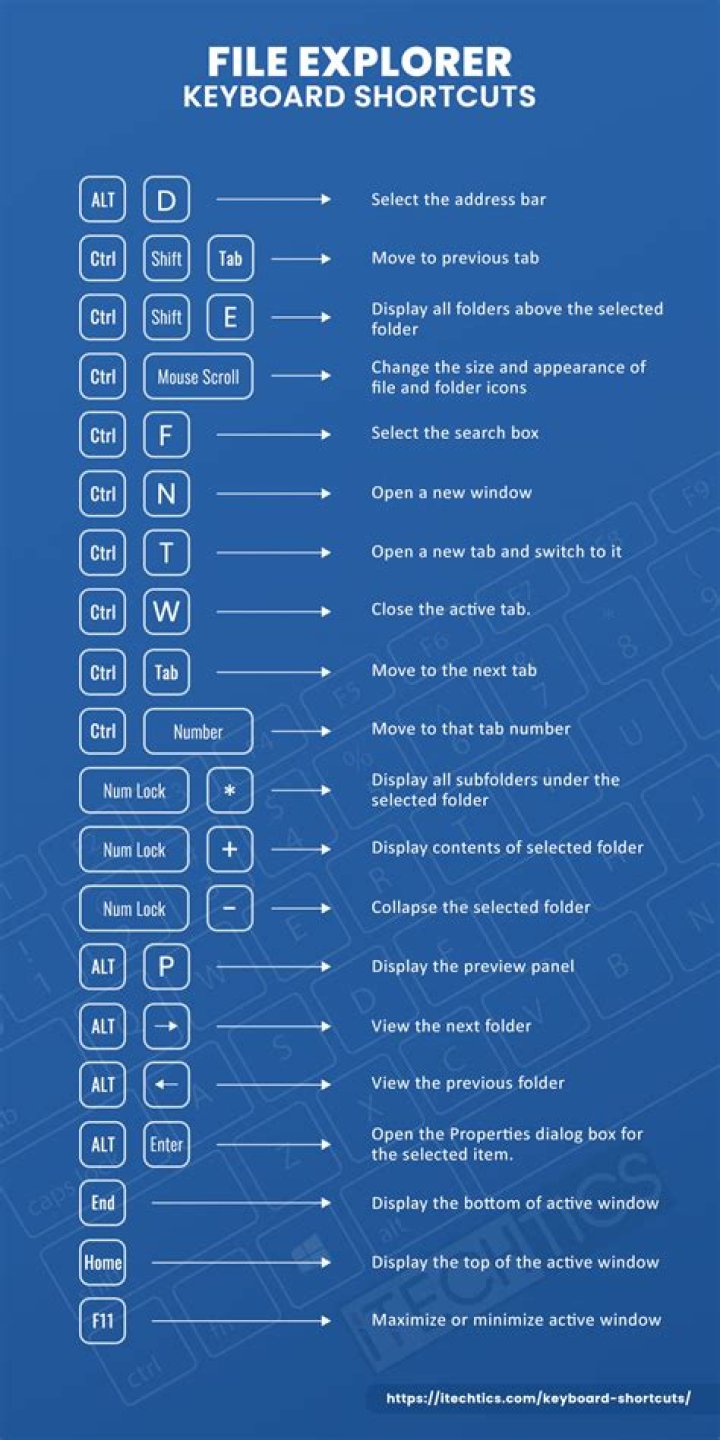

Eclipse uses Alt+F5 to Update Maven Project.
It's worked on earlier versions of Ubuntu, but on 20.10 that key combination is mapped to Un-maximize window, which is also what Super+↓ does.
I cannot find Alt+F5 under Settings → Keyboard Shortcuts, and I haven't figured out where these mappings are stored or how to change them outside the Settings app.
1 Answer
"Restore", which is found in the Windows section in Settings - Keyboard shortcuts, is not only assigned to Super+Down, but also to the "traditional" shortcut Alt+F5. You can disable the binding to Alt+F5 and retain the Super+Down binding with the following command in the terminal or in the run dialog (Alt+F2):
gsettings set org.gnome.desktop.wm.keybindings unmaximize "['<Super>Down']" That removes the assignment to Alt+F5, but maintains Super+Down for unmaximizing a window. Reset to the default (['<Super>Down', '<Alt>F5']) with the command
gsettings reset org.gnome.desktop.wm.keybindings unmaximize You can edit this and many other "hidden" settings using dconf-editor, not installed by default.